
Download AppWriter – text assistant, writing tool, reading aid, document reader, OCR scanner, multilingual, cross-device sync
Overview
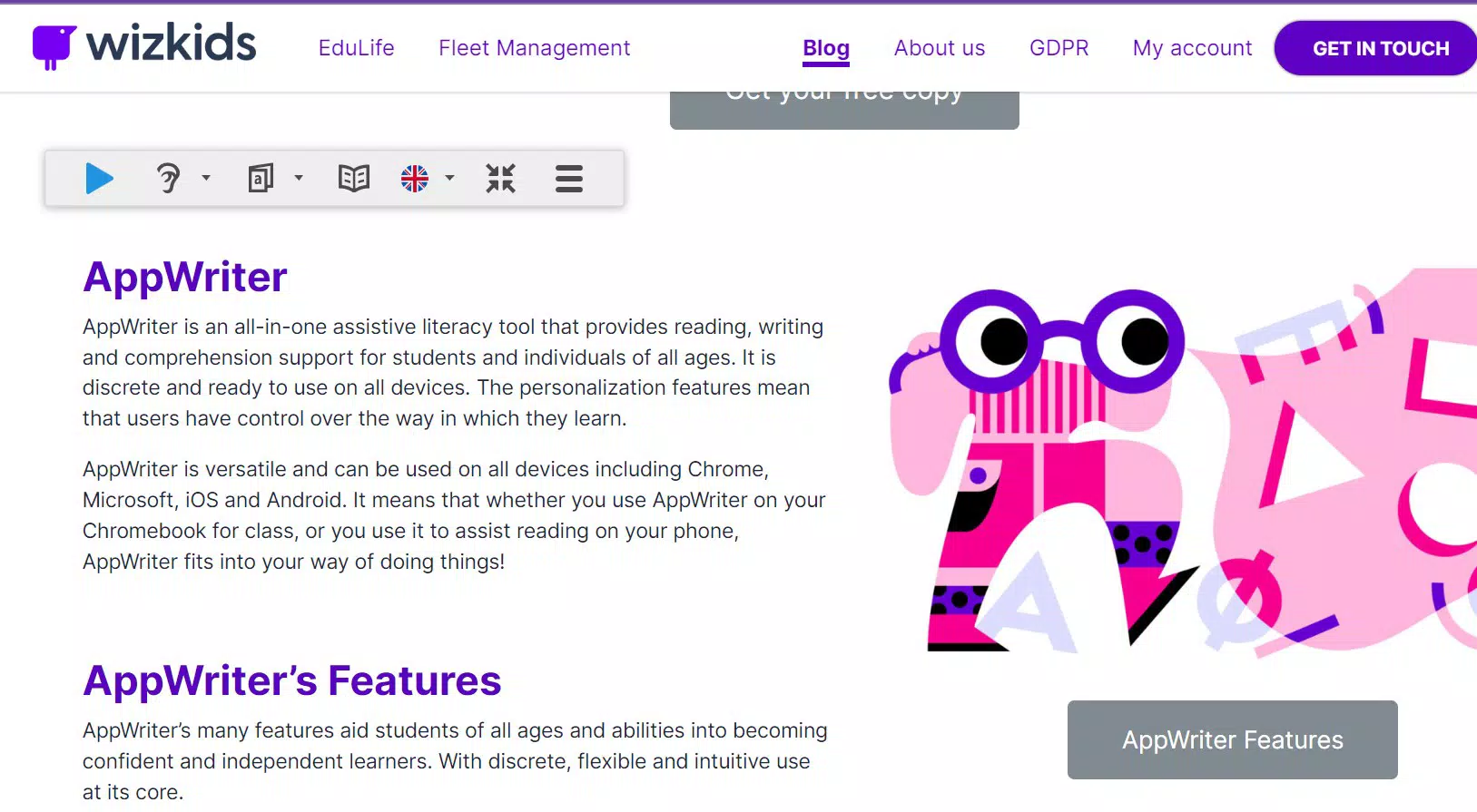
AppWriter, released on August 1, 2024, is a productivity-focused mobile application designed to support users in text comprehension and composition. Targeted at students, writers, and professionals, the app serves as a comprehensive tool for managing reading and writing tasks across diverse document types. Its core purpose lies in enhancing language skills and streamlining workflows through integrated functionalities.
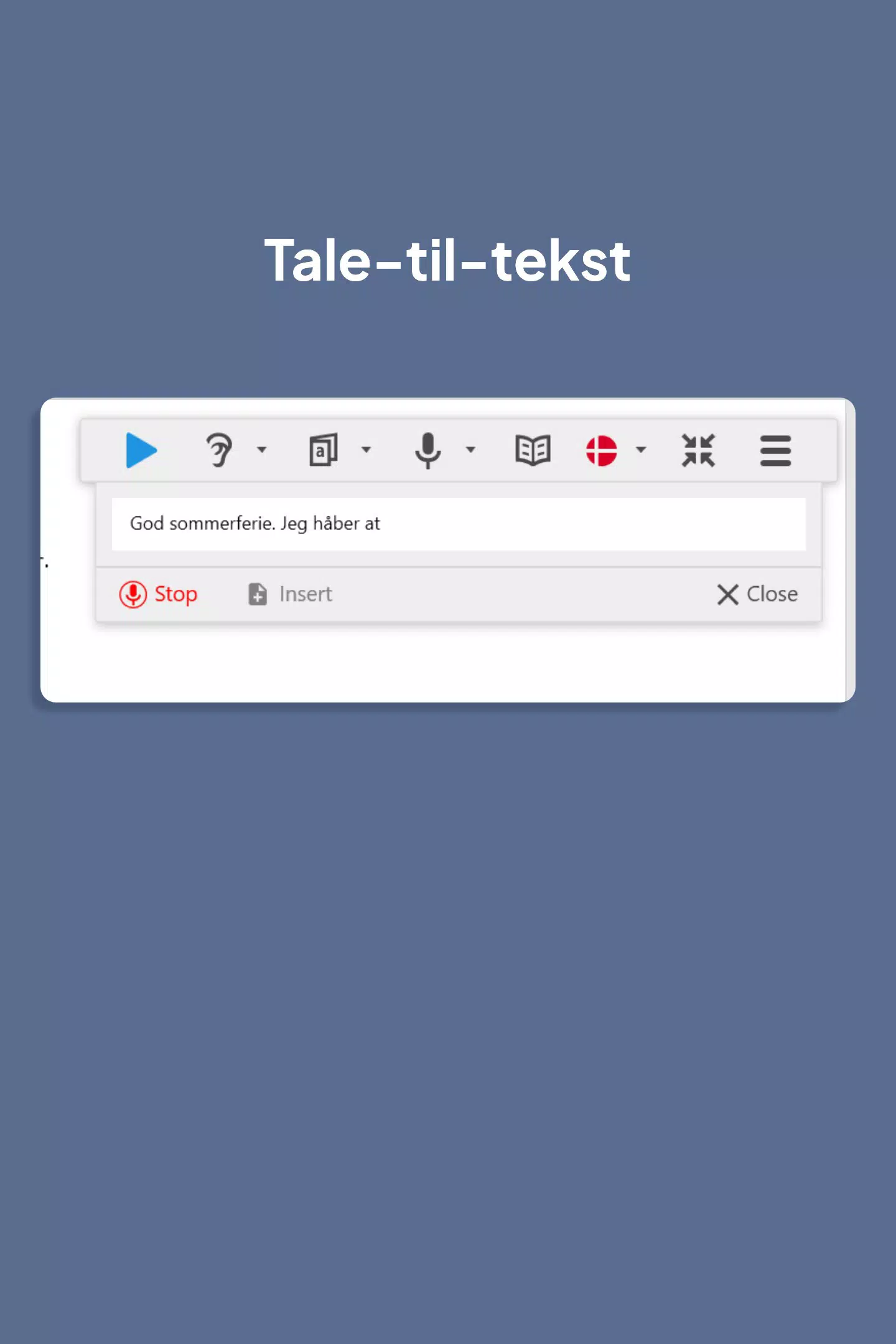
The user-friendly interface simplifies complex tasks, making it accessible for individuals at various proficiency levels. Real-world applications include drafting academic papers, converting physical notes into digital formats, and improving language proficiency through interactive tools. For auditory learners, the app offers text-to-speech capabilities, while OCR functionality enables rapid digitization of printed materials.
The integration of multilingual support broadens its accessibility for global users. As a single platform consolidating multiple utilities—writing assistance, reading aids, and document processing—AppWriter reduces dependency on fragmented tools. This consolidation promotes efficiency and consistency in digital workflows.
The app’s relevance in today’s mobile-centric ecosystem is underscored by its ability to support cross-device synchronization, ensuring seamless continuity across smartphones and tablets. Although the developer did not provide additional technical details, AppWriter positions itself as a reliable companion for anyone engaged in text-based activities requiring accuracy, accessibility, and productivity.
Key Features & Functionality
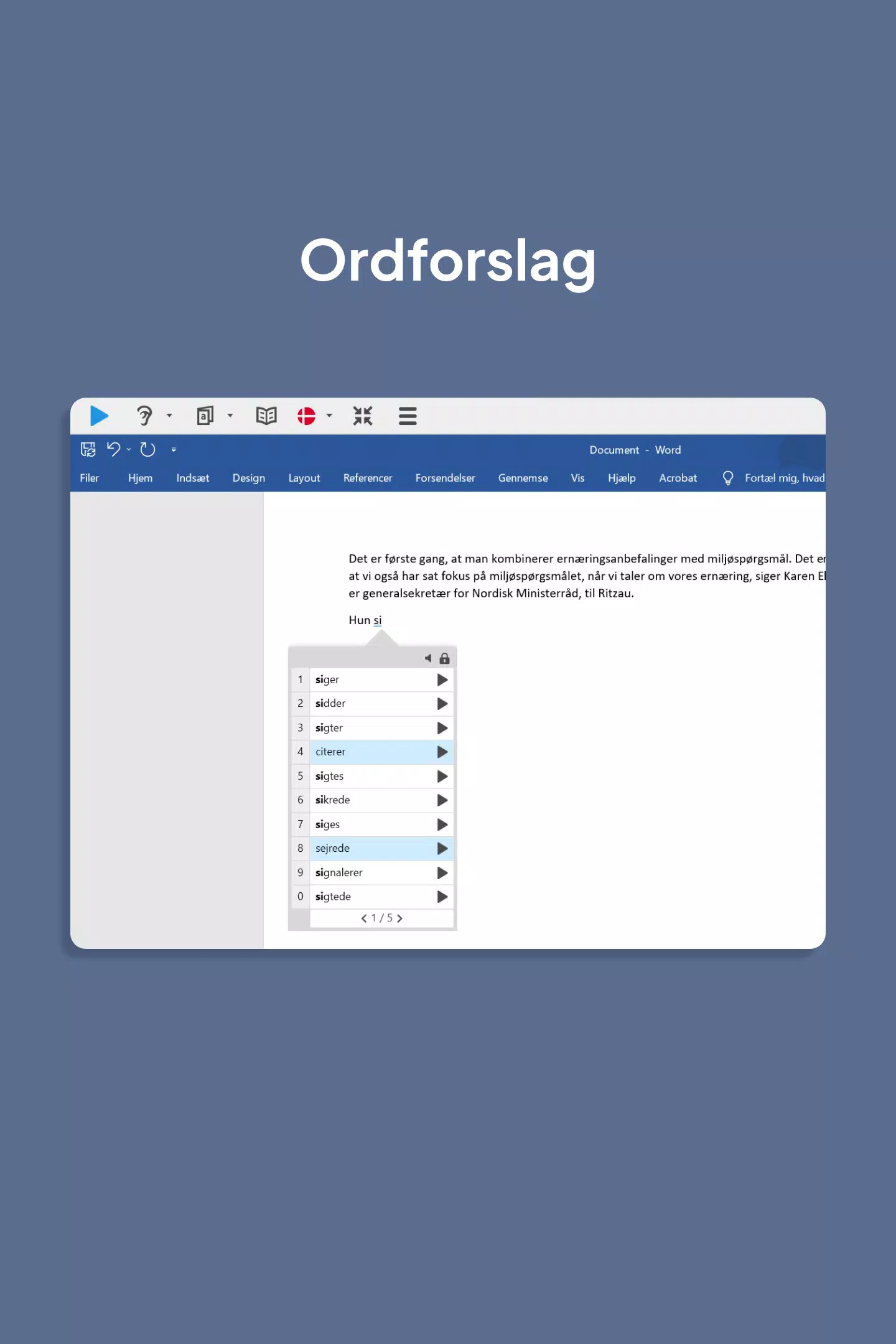
- Smart Word Suggestions: Provides contextually relevant word recommendations to improve spelling and vocabulary. This feature supports creative expression by offering synonyms and appropriate phrasing, helping users articulate ideas more clearly and effectively.
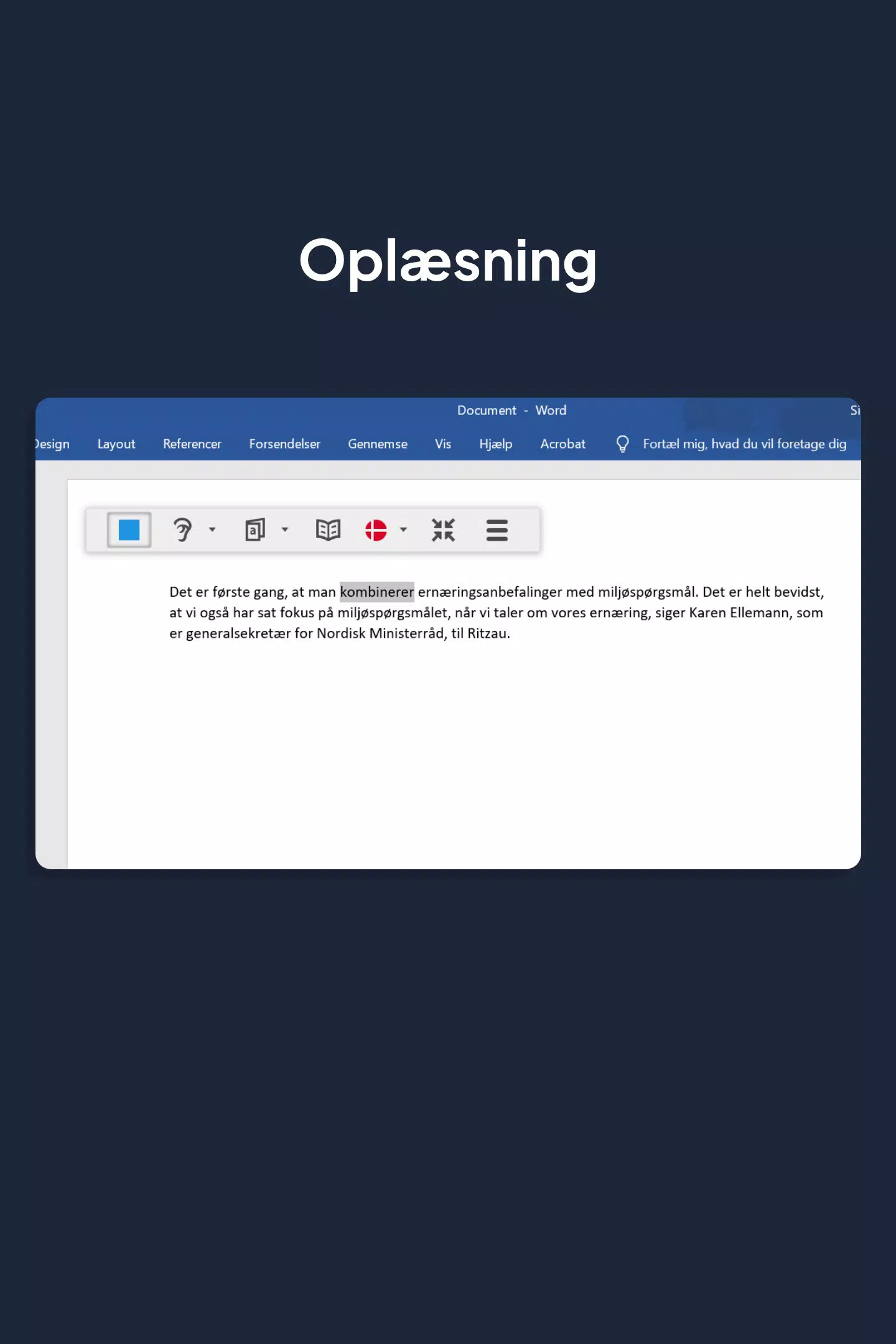
- Text-to-Speech Functionality: Reads aloud text from documents and PDFs using built-in voices. Multiple highlighting options allow users to follow along visually, benefiting auditory learners and individuals with reading challenges.
- OCR Text Capture: Captures text from physical documents like books, signs, and printed notes via scanning. The converted digital text can be edited or read aloud, eliminating manual transcription and accelerating research and study processes.
- Multilingual Support: Enables users to access reading and writing aids across multiple languages. This feature fosters inclusivity and supports non-native speakers in improving language proficiency through interactive tools.
- Cross-Device Synchronization: Maintains consistent user profiles and preferences across different devices. This ensures a seamless experience when switching between smartphones, tablets, or computers, enhancing convenience for users with dynamic work environments.
These features collectively address common pain points in writing and reading workflows. For example, a student can scan a textbook page using OCR, have the text read aloud while following along, and receive word suggestions to refine a research summary. A professional might use multilingual support to draft a report in a second language, leveraging real-time feedback. The integration of these tools into one platform reduces app-switching fatigue and promotes focused productivity. By combining accessibility, efficiency, and language development, AppWriter transforms how users interact with text, turning passive reading into an active, engaging process.
Interface, UX & Performance
AppWriter features a user-friendly interface designed for intuitive navigation, aligning with modern mobile design standards. The layout prioritizes accessibility, with clearly labeled tools and logical workflow progression. Visual elements are organized to minimize clutter, allowing users to focus on core tasks like document processing or writing.
Navigation appears streamlined, with key functions such as OCR scanning, text-to-speech, and word suggestions readily accessible from the main dashboard. Although the developer did not list formal performance metrics, the app’s functionality suggests responsive behavior across standard device categories. Users can expect smooth transitions between features like scanning, editing, and playback without noticeable lag.
Stability appears consistent, as the app maintains functionality during extended use. The interface adapts to different screen sizes, ensuring readability on both smartphones and tablets. Cross-device synchronization further enhances the user experience by preserving settings and document history.
While specific details about battery consumption or memory usage were not disclosed, the 45.6 MB file size indicates a lightweight footprint. The app’s performance is optimized for everyday use, supporting tasks like quick note capture and document review without requiring high-end hardware. Overall, the UX design emphasizes efficiency and ease of use, minimizing the learning curve for new users.
Platform Compatibility & Technical Requirements
AppWriter is available on both Android and iOS platforms, ensuring broad accessibility across major mobile ecosystems. The current software version is 2.1.3, with a file size of 45.6 MB, indicating a compact installation that conserves device storage. The app is free to download and use, with no upfront cost for core functionality.
Specific operating system requirements were not listed by the developer, so compatibility with particular Android or iOS versions remains unspecified. Similarly, the minimum hardware specifications or device types (e.g., tablet vs. phone) were not detailed. The developer did not provide information about background processes, storage permissions, or network usage.
While the app supports cross-device synchronization, the underlying infrastructure for this feature was not disclosed. Users should verify compatibility with their specific devices before installation. The release date of August 1, 2024, confirms its recent market entry, suggesting ongoing development and potential future updates.
For optimal performance, users are advised to ensure their devices meet general system standards for modern mobile applications.
Pros and Cons
Pros
- Free to download and use, eliminating cost barriers for students and casual users.
- Integrates multiple advanced tools—OCR, text-to-speech, multilingual support—into a single platform.
- User-friendly interface with intuitive navigation, reducing the learning curve.
- Supports cross-device synchronization for consistent user experiences across platforms.
- Compact file size (45.6 MB) ensures minimal storage impact on devices.
Cons
- Specific system requirements and compatibility details were not disclosed by the developer.
- Performance metrics like battery usage or processing speed were not provided.
- Information about update frequency or future feature roadmaps was not available.
- Privacy policies and data handling practices were not detailed in the provided information.
- Real-world user feedback or third-party ratings were not included.
FAQ
Is AppWriter safe to download and use?
Yes, AppWriter is a free mobile application released by AppWriter Inc. on August 1, 2024. It has a file size of 45.6 MB and is available on both Android and iOS. While the developer did not specify privacy policies, the app’s core functions focus on text processing and accessibility, which typically involve minimal data exposure.
Can I use AppWriter on multiple devices?
Yes, AppWriter includes cross-device synchronization, allowing users to maintain consistent settings and profiles across different devices such as smartphones, tablets, or computers. This feature ensures a seamless experience when switching between platforms.
Does AppWriter support languages other than English?
Yes, the app offers multilingual support, enabling users to access reading and writing aids in multiple languages. This feature is particularly beneficial for non-native speakers and global users seeking language improvement tools.
How do I update AppWriter?
Updates are automatically managed through the Google Play Store or Apple App Store. Users should ensure their device’s app store is up to date to receive the latest version, which is currently 2.1.3.
Is AppWriter compatible with older smartphones?
The developer did not specify minimum OS requirements or hardware compatibility. However, the app’s 45.6 MB size suggests it is designed for efficient performance on standard devices. Users are advised to check their device’s app store for compatibility before installation.
Final Thoughts
AppWriter emerges as a versatile, accessible tool for modern text-based workflows. Its integration of OCR scanning, text-to-speech, multilingual support, and cross-device sync into a single free application addresses key challenges in writing and reading efficiency. The user-friendly interface ensures that students, professionals, and language learners can leverage its features without technical barriers.
While specific performance data and system requirements remain undisclosed, the app’s lightweight design and broad platform availability enhance its practicality. For individuals seeking to digitize physical documents, improve language skills, or streamline research, AppWriter offers a cohesive solution. Its value lies in consolidating essential utilities into one intuitive platform, reducing app fragmentation.
Whether for academic projects, professional reports, or personal writing, the app delivers tangible productivity gains. With its recent release and focus on accessibility, AppWriter is poised to become a staple in digital literacy tools. Download AppWriter now


